Jana
Andy
App Behavior
Table of contents
sTudoo’s Use Cases
To get the big picture of sTudoo’s functionality let us take a look at the use case diagram.

To use the full functionality it is necessary for a user to register an login. After the registration and the login the user is able to add, delete, mark as completed and view the classes, projects and todos. Furthermore the user is able to view his account informations and delete the account.
Overview And Explenation Of The Programmed Routes
Next we’ll take a look ath the routes, their methods, purpuses and outputs.
Route: /index
Methods: GET
Purpose: Displays the index.html template with the title set to sTudoo.
Sample output:

Route: /sign_up
Methods: POST, GET
Purpose: This route handles user registration. If the request method is POST, it retrieves user input data from the form, checks if all required fields are filled, and inserts the user data into the database. If any field is missing, a flash message is displayed. It returns the sign-up page for user registration until all fields are filled out or displays the “You’re Signed Up” page after successful registration.
Sample output: 

Route: /signed_up
Methods: GET
Purpose: This route displays a template that confirms successful user registration. It’s called after the user has successfully signed up.
Sample output:

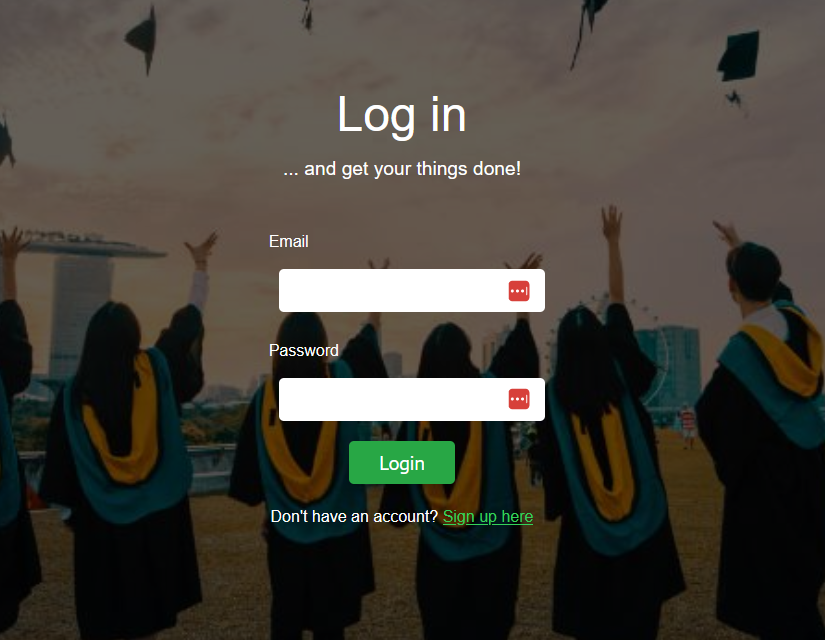
Route: /login
Methods: POST, GET
Purpose: This route handles user login. If the request method is POST, it retrieves the user’s input email and password, queries the database for a matching user, and logs in the user by storing their user ID in the session. If a user is logged in, they are redirected to the “You’re Logged In” page.
Sample output:
Route: /logedin
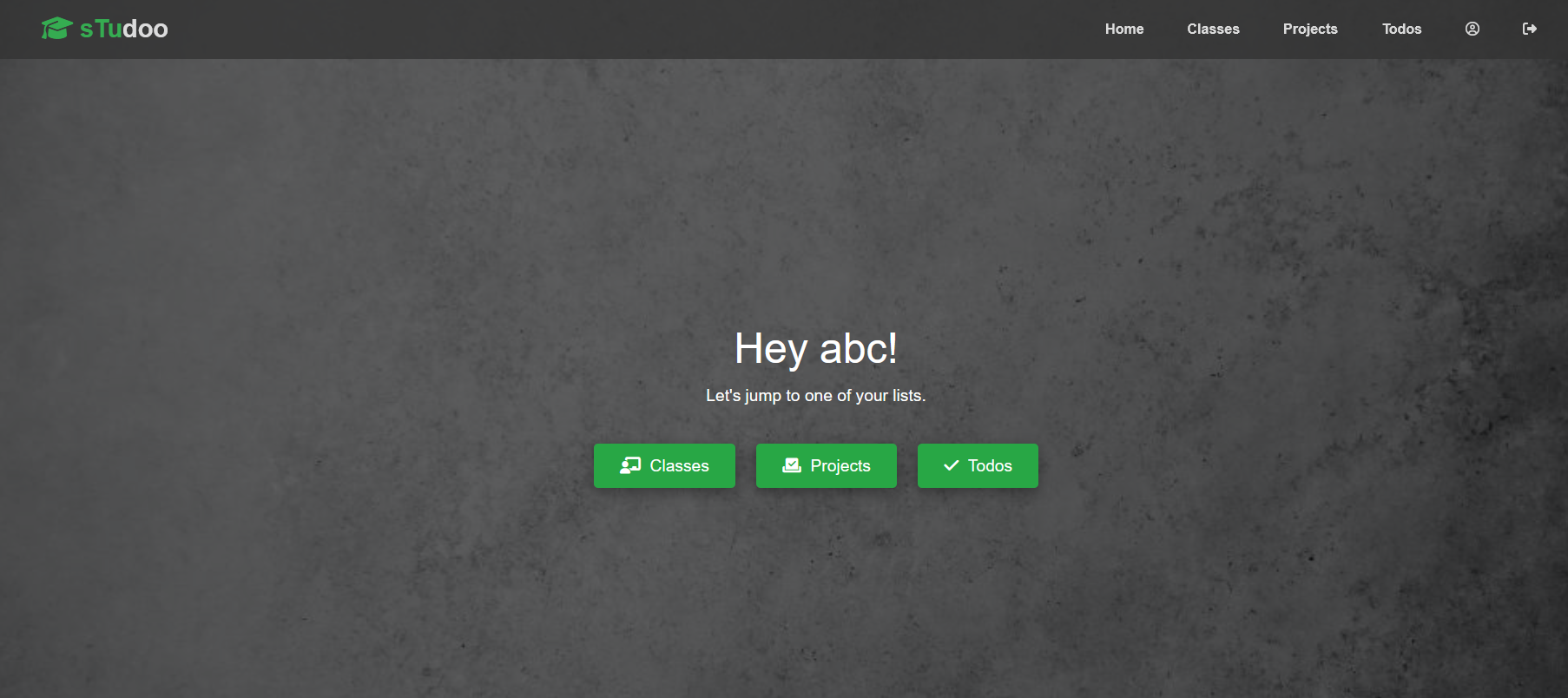
Methods: GET, POST
Purpose: This route verifies if a user is logged in by checking their user ID in the session. If the user is logged in, their information (first_name) is fetched from the database and displayed on the “You’re Logged In” page. If the user is not logged in, they are redirected to the login page.
Sample output:
Route: /logout
Methods: GET
Purpose: This route handles user logout. It clears the session, displays a flash message confirming the logout, and redirects the user to the homepage (“index”).
Sample output:

Route: /useraccount
Methods: GET
Purpose: This route displays the user’s account information. It checks if the user is logged in, retrieves the user’s data from the database, and displays it on the “User Account” page.
Sample output: 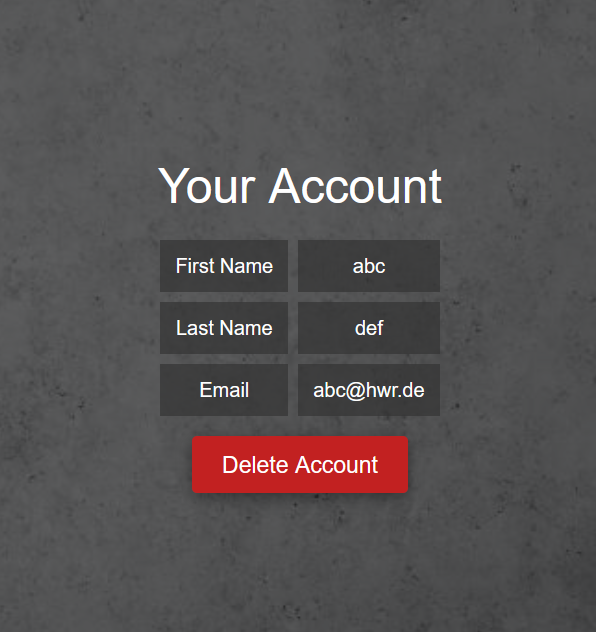
Route: /delete_account
Methods: POST
Purpose: This route handles user account deletion. If the user submits the form with their email and password, the route attempts to delete the account by calling delete_user. If successful, it displays the “Account Deleted” page. If the provided email or password is incorrect, an error message is returned.
Sample output: 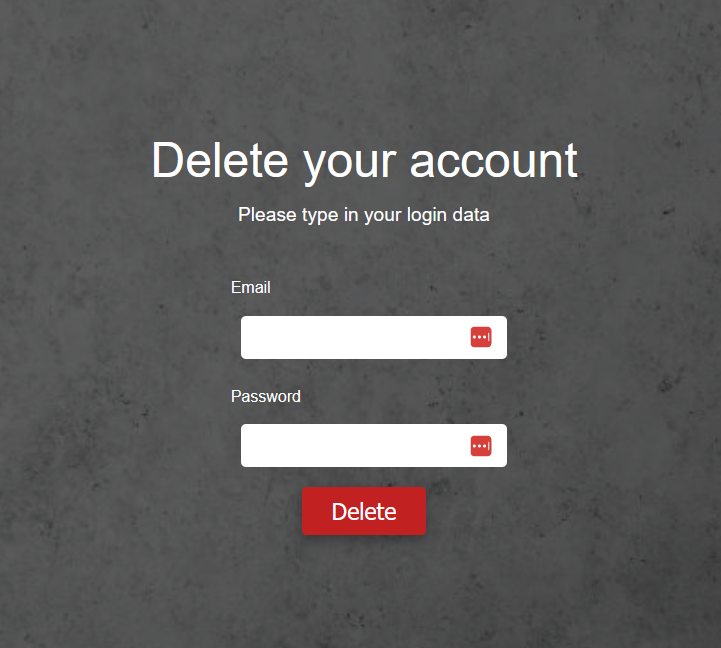
Route: /delete_site
Methods: GET
Purpose: This route displays a confirmation page for account deletion. Users can access this page to confirm their intention to delete their account by receiving email and password.
Sample output: 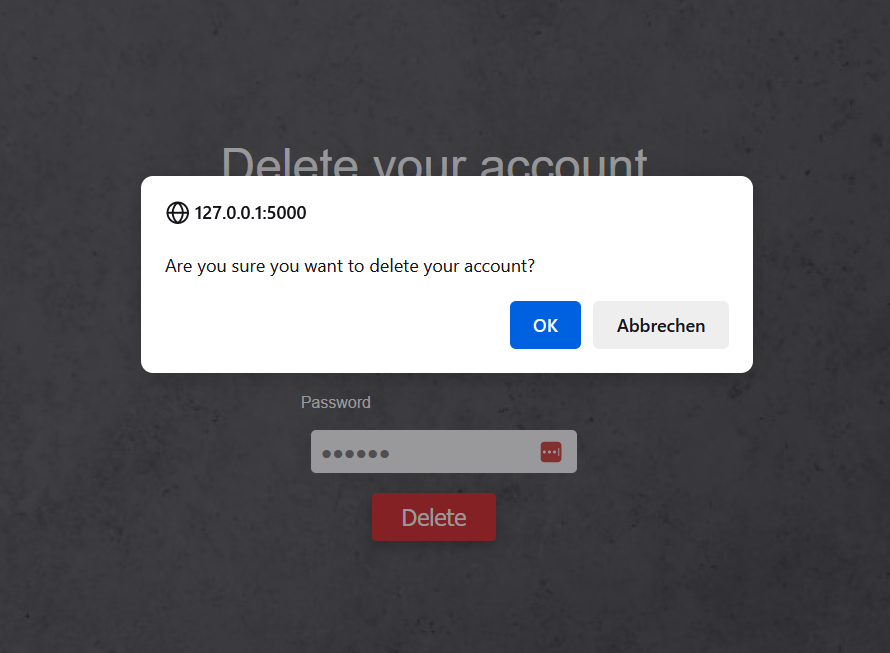

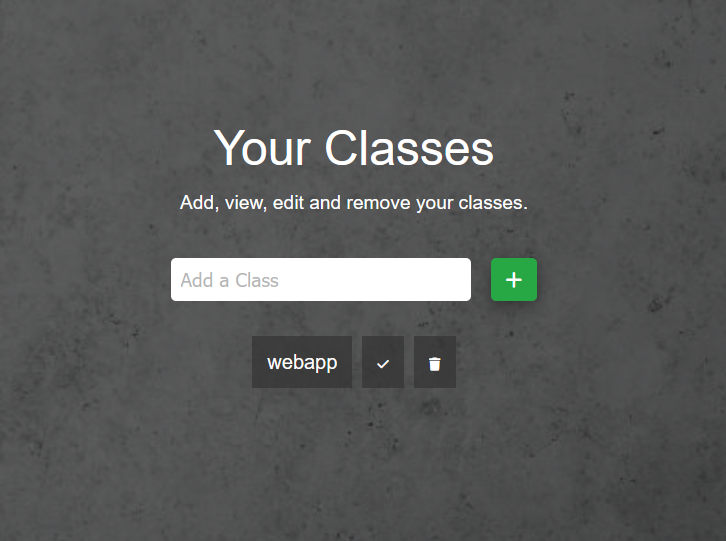
Route: /classes
Methods: GET, POST
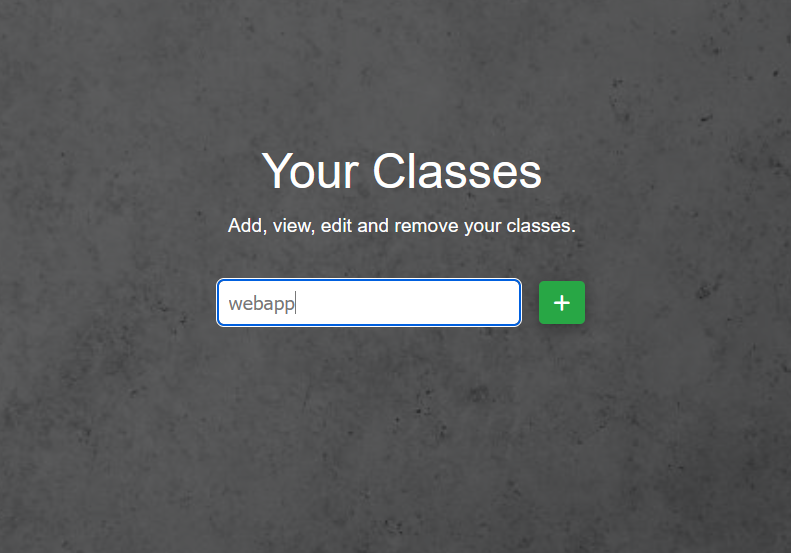
Purpose: This route manages the user’s classes. If the user is not logged in, they are redirected to the login page. If the request method is POST, the route handles various actions based on the form submission: adding a new class, marking a class as completed, or marking it as not completed.
-
Adding a Class: If the
add_classbutton is pressed, the route inserts a new class into the database with the user’s ID and the provided class name. -
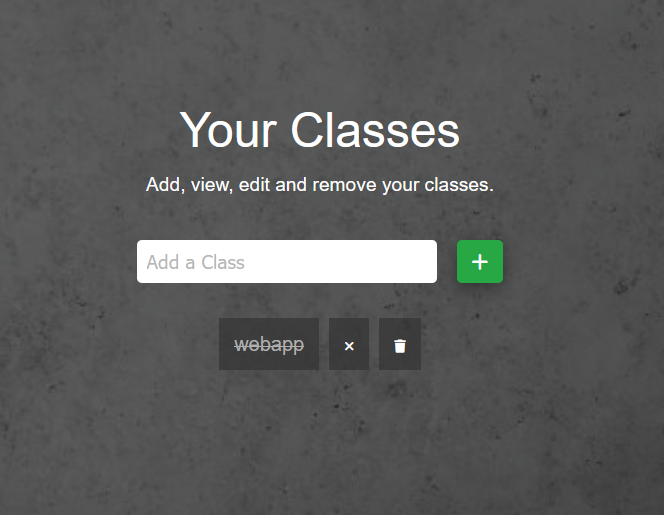
Marking Completed/Incompleted: If the
mark_completedbutton (hook-icon) is pressed, theupdate_statusfunction is called with theclass_idandstatusset to1, marking the class as completed. If themark_incompleted(x-icon) button is pressed, the function is called with theclass_idandstatusset to0, marking the class as not completed.
After handling the POST requests, the route retrieves the list of classes and their statuses (completed = 0 or 1) from the database. The class list is then displayed in the template, with completed classes displayed with a line-through.
Sample output:
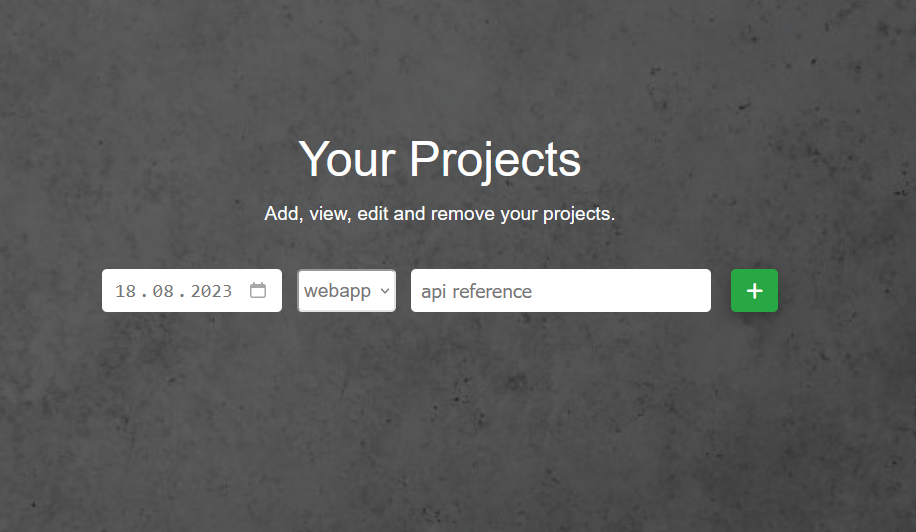
Route: /projects
Methods: GET, POST
Purpose: This route manages the user’s projects. If the user is logged in, they can add new projects using the Post method to incompleted (boolean = 0) classes that can be individually selected from a dropdown-menu.
- Adding a Project: If the
add_projectbutton is pressed, the route inserts a new project into the database associated with the selected class.
Sample output:
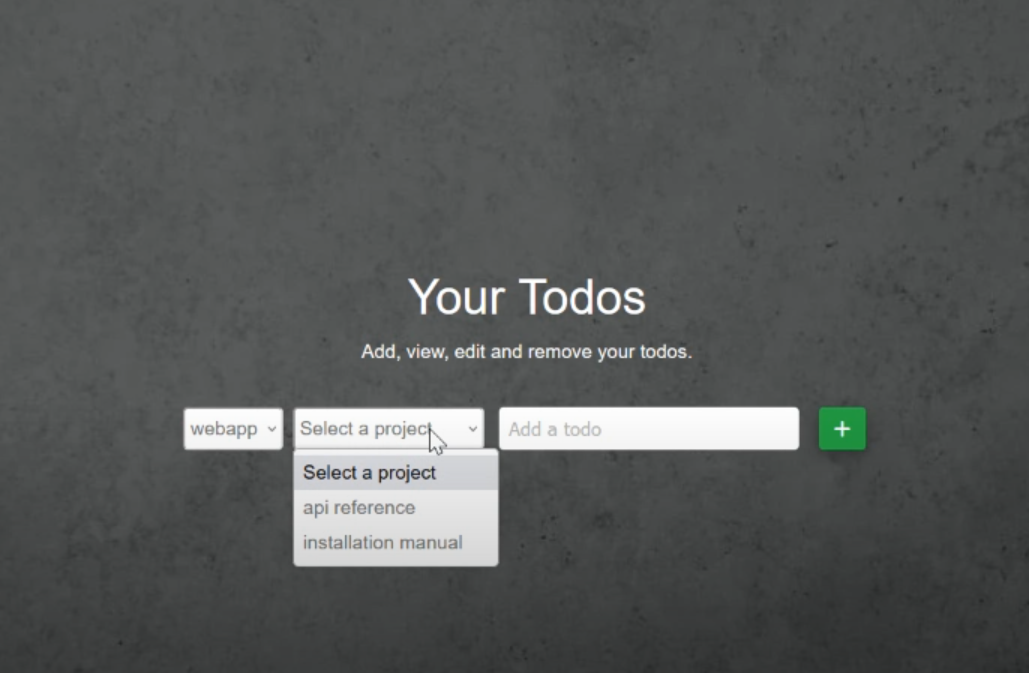
Route: /todos
Methods: GET, POST
Purpose: This route manages the user’s todos. If the user is logged in, it retrieves and displays the list of classes with non-completed status, available projects for those classes, and todos for the user. Users can add new todos to the selected project using the POST method.
- Adding a Todo: If the
add_todobutton is pressed, the route inserts a new todo into the database associated with the selected class and project.
Sample output:
Route: /delete_entry
Methods: POST
Purpose: Delete an entry (class, project, or todo) based on the provided entry ID and type.
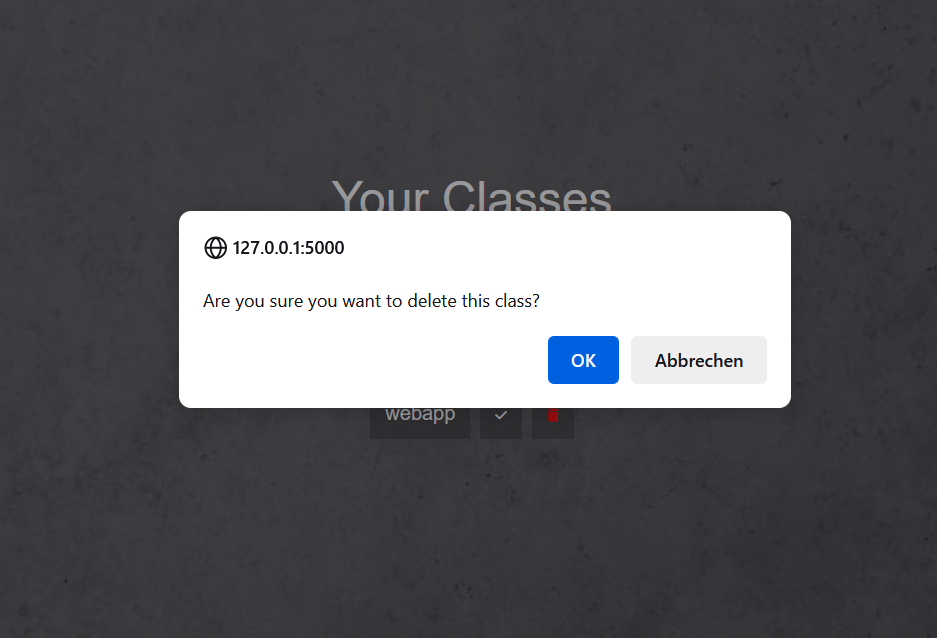
Sample output: